I always love exploring and learning to build projects with AI capabilities, but one of the reasons why there are few developers learning this is because most of the tools are not free. Personally, if I want to learn something, I always opt for free tools, especially if I just want to experiment.
You can visit my latest projects here: https://ianfreitz.com/#projects
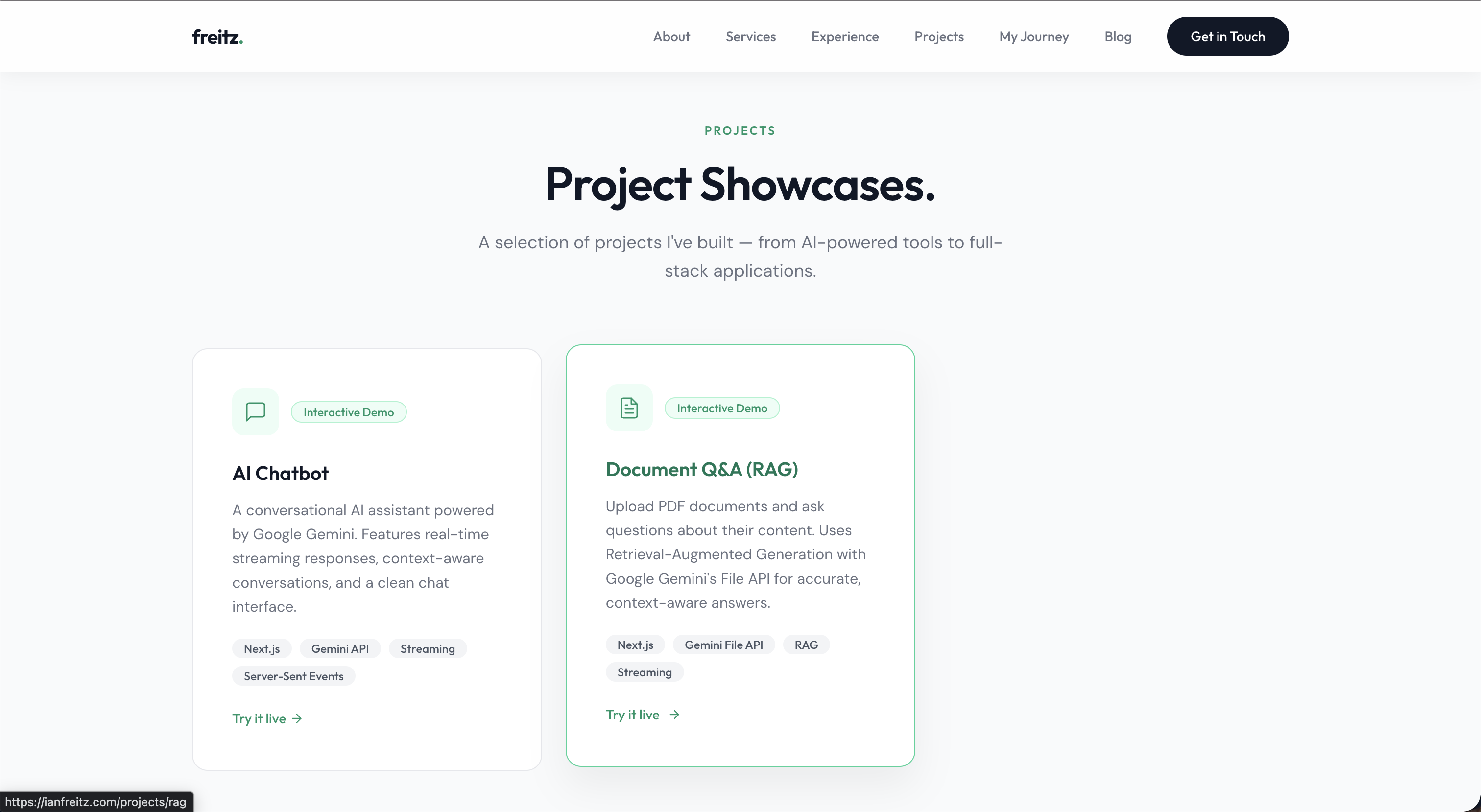
To showcase my skills in Retrieval Augmented Generation, I built this interactive demo on Document Q&A. You can test it out here (https://ianfreitz.com/projects/rag), though you might experience a "reached limit" issue since this is a free tier.
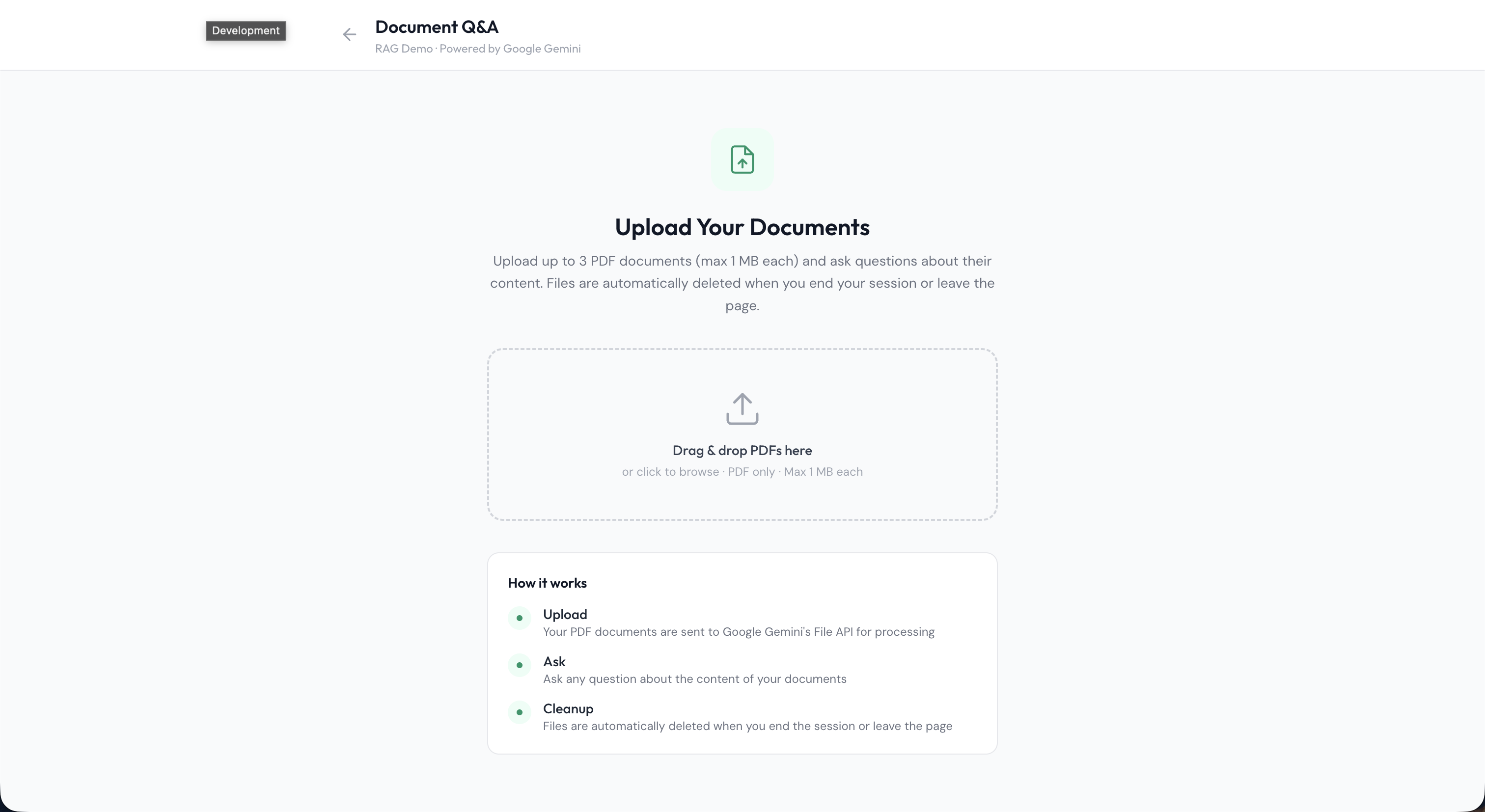
Step-by-step guide how I did it
1. Go to google AI studio (https://aistudio.google.com/) and create an account using you google account.
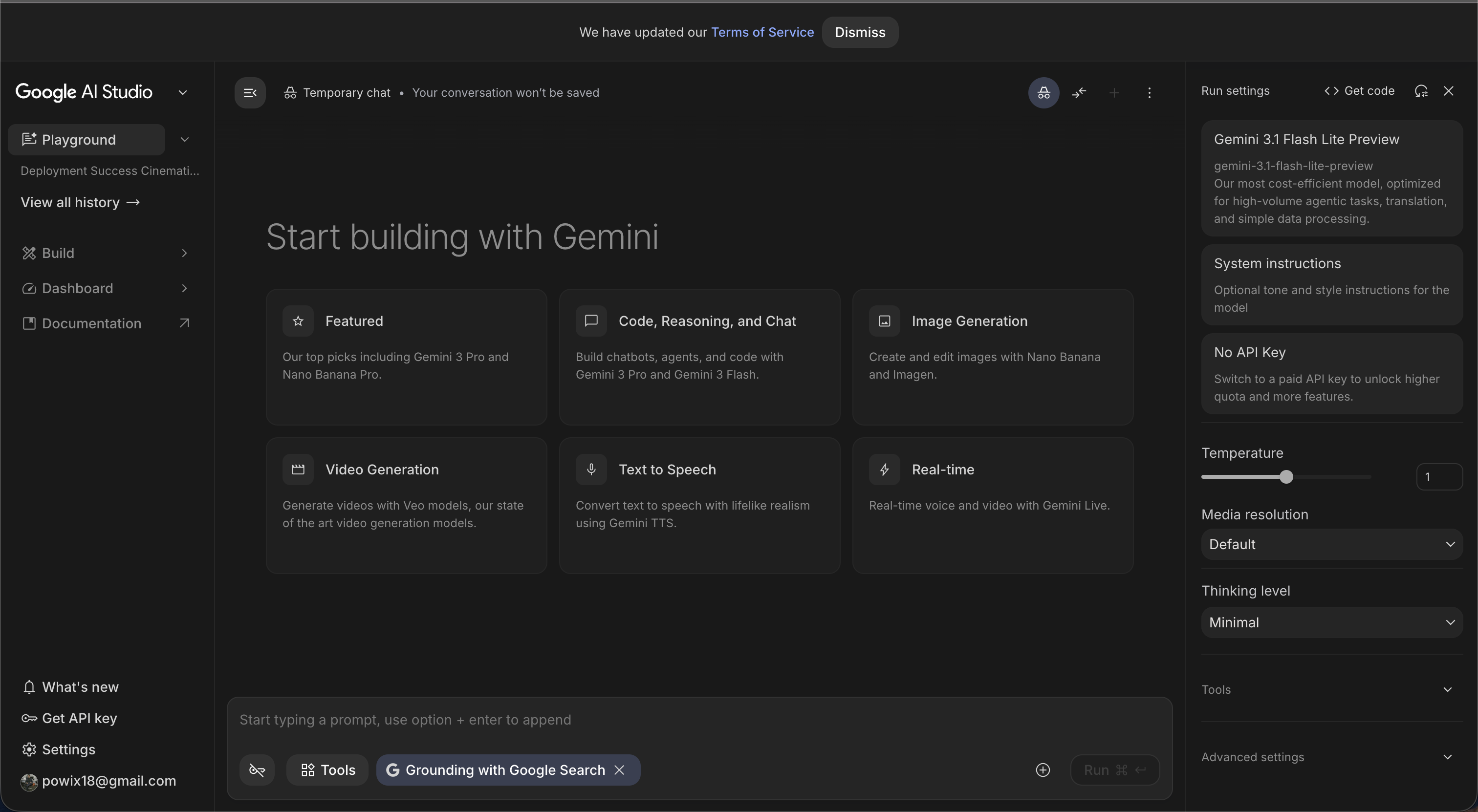
2. Set up a project. Click "Get API Key" in the bottom left corner, then go to "Projects" and click "Create new project."
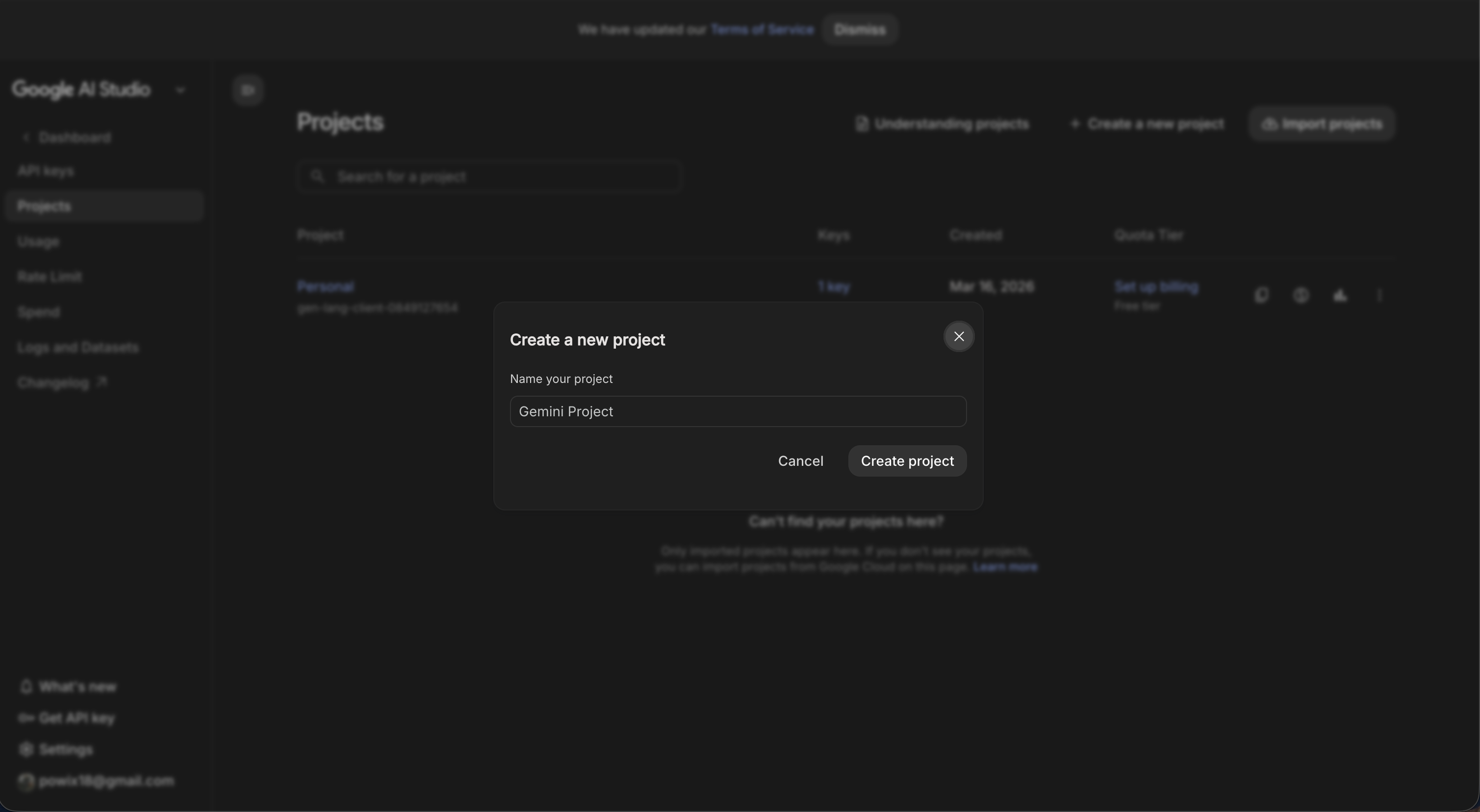
3. Once you have finished creating the project, go to "API Keys" and click "Create API key." Input the name of your key and save it. Once it's saved, copy the API key..
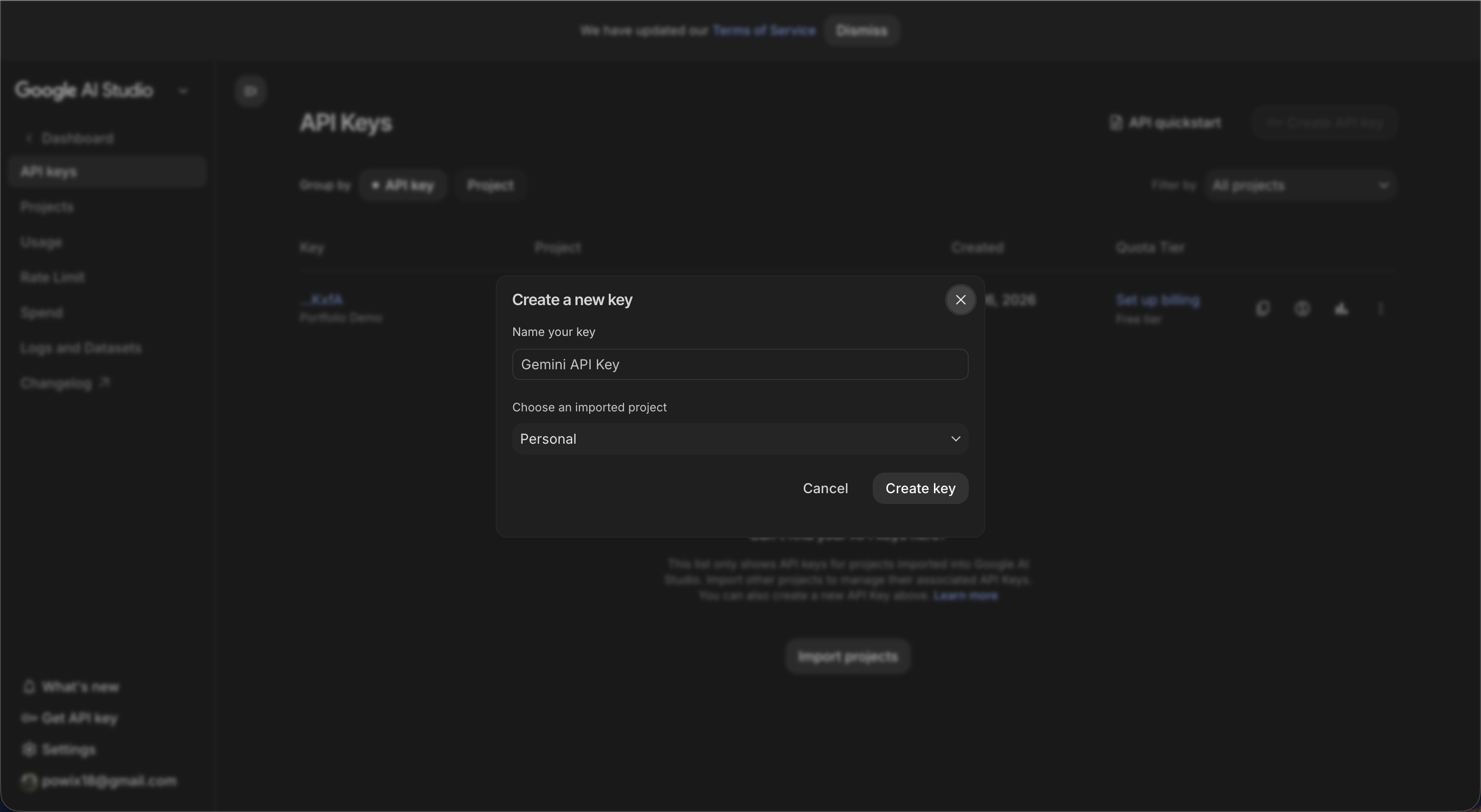
4. Now, you should be done with creating the project and the API keys. Go back to the Dashboard and go to "Playground." There are two options you can use to build your chatbot. The first option is to copy code samples from Google AI Studio.
5. First option: Get and copy code samples from Google AI Studio. In the dashboard, go to Playground and click "Get code" in the upper right corner. You can now copy the code; just choose the programming language you prefer.
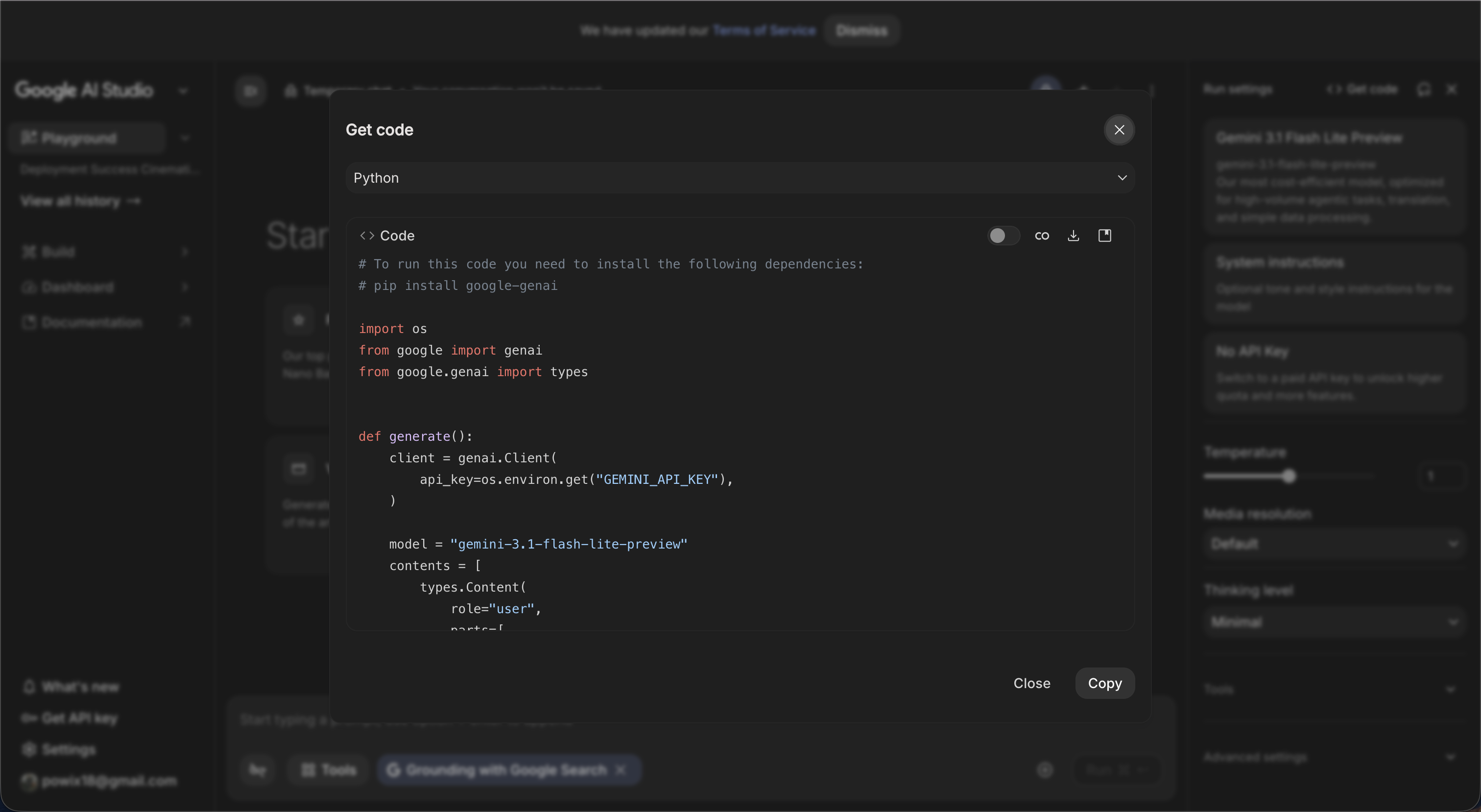
6. Second option: You can generate the code by yourself or just ask AI to generate the code for you.
7. What you've done in steps 5 and 6 is just building a chatbot; there are no RAG capabilities yet. To expedite development, here's what I did. I prompted Claude to "build me a chatbot with RAG capabilities using the free tier of Google AI Studio." It will then generate the code, which you can study if you wish, and you will just add your API keys. After that, you are done.
What's next?
The next step would be to deploy this. Did you know that you can also deploy this using free tools? That will be my next step-by-step guide. Follow me on LinkedIn to stay updated.
If you reached it here
then you are curious and really want to learn. That's a good sign. Keep on learning.
Using free tools is not a bad thing, especially if you just want to explore and learn. But if you have a budget, you can go with paid tools. Contact me if you want to learn about these paid tools.