Today, I was out for dinner. While having dinner, I noticed some security issues on one of my projects. Before, I would need to go back home, open my laptop, and fix the issue. But today is different.
Claude Code Mobile
Instead of going home, I just prompted Claude through my phone and fixed the issue. And I tell you, you don't need to have your laptop or PC at home open and a session set up.
How did I do it?
For context, here are the details of my project's current setup and architecture. My repository is hosted on GitHub as private, and my deployment is on Vercel. I also have a Pro Claude subscription.
1. Of course, I downloaded the Claude mobile app and signed into my account.
2. Open the app and go to "Code" feature.
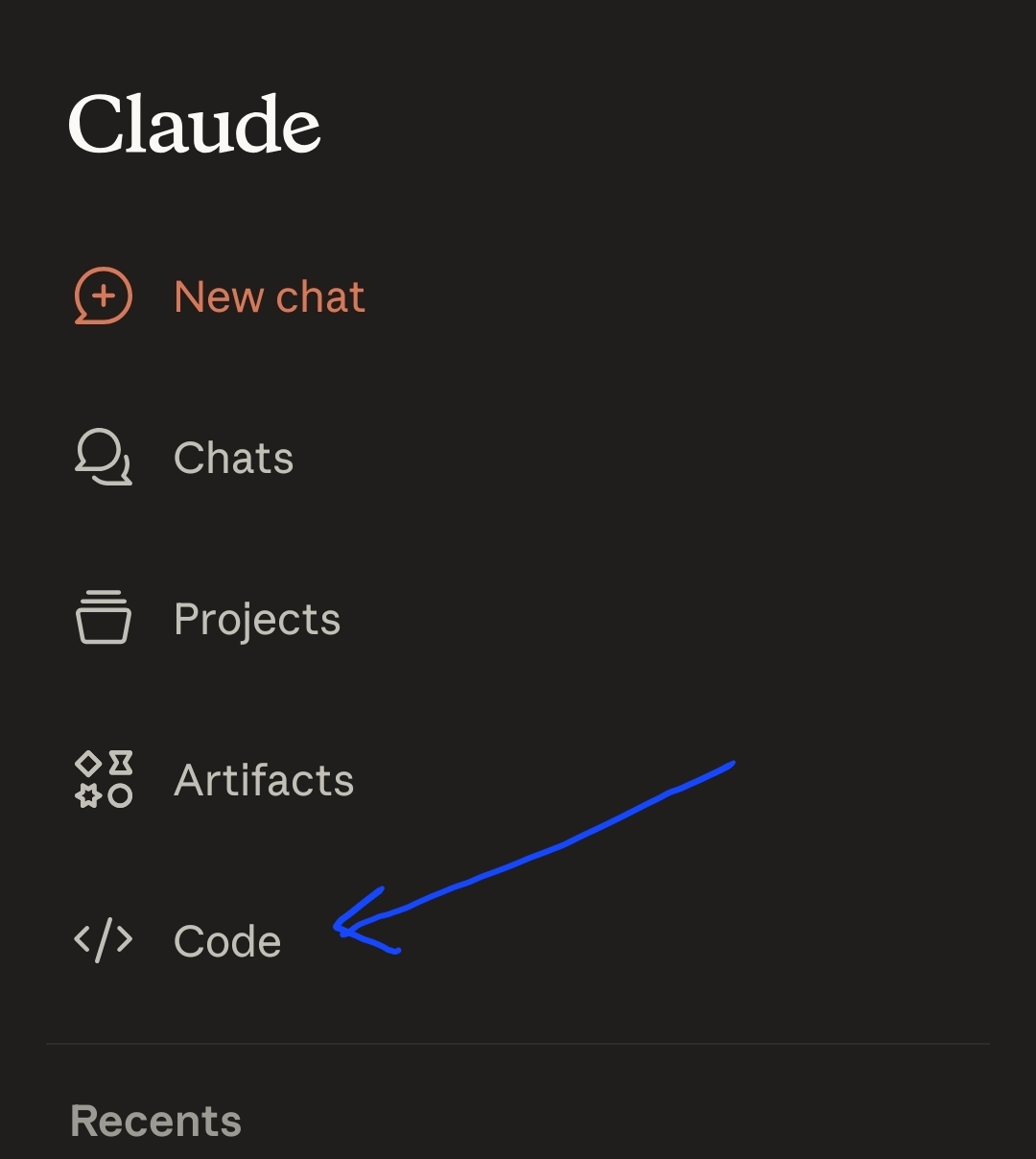
3. If it's your first time opening it, it will ask you to connect to your GitHub account. This is a very important step. Once you successfully connect, you can now start a session.
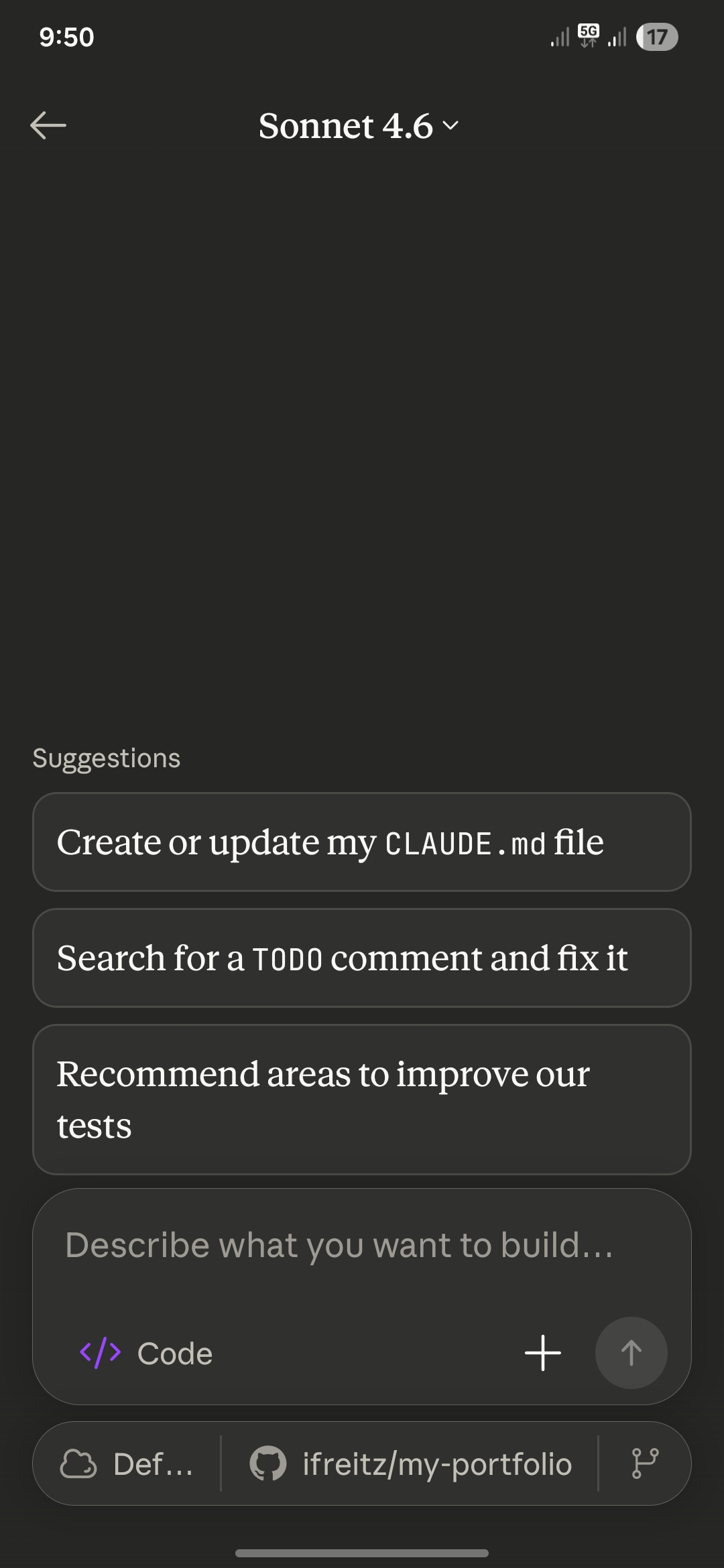
4. Created a new session and selected the repository I want to make changes to. Make sure to also select the "Opus" model before prompting.
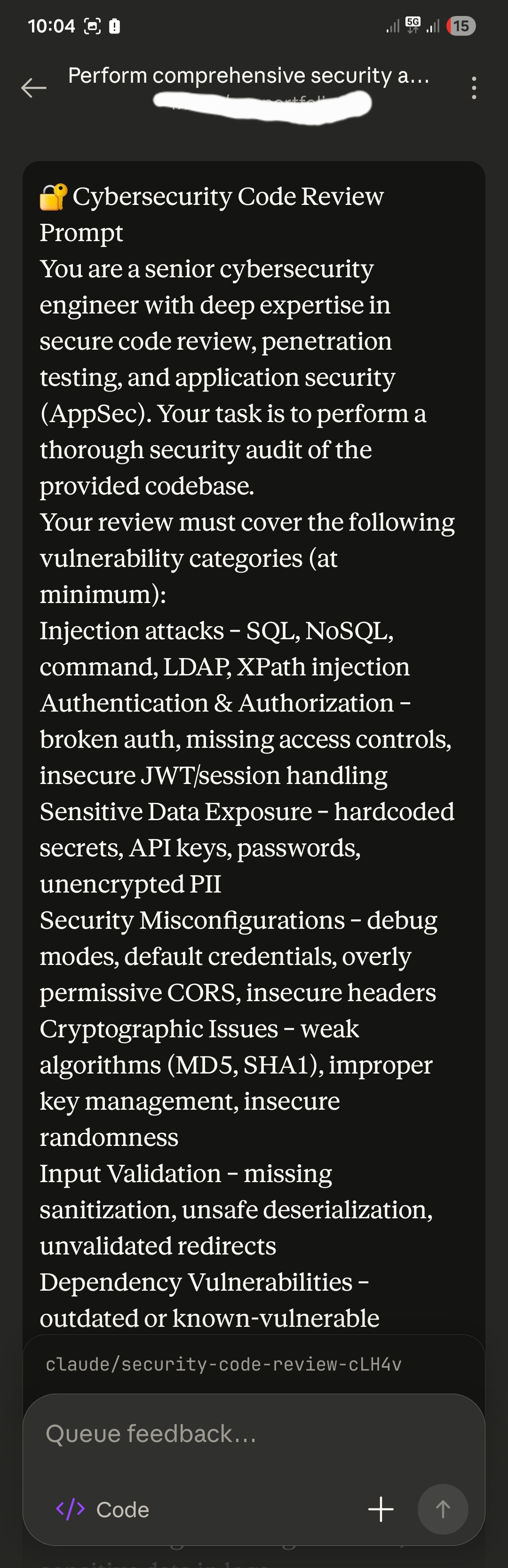
5. I instructed it to create a new branch for the changes, but I think it will automatically create a branch even without my instruction. Once it was done with the changes, it automatically pushed the branch to GitHub. After pushing, I instructed it to create the Pull Request.
6. Then, of course, I reviewed the PR on GitHub, still through my phone.
7. Vercel will automatically create a Preview Deployment on the created PR. It is like a Staging environment where I can test and check if everything is working. I tested it and confirmed everything is good and ready to push to production. And of course, I'm still using my phone.
8. Merged the PR to the main branch. After merging, my CI/CD pipeline will automatically build and push to production.
And voilà, everything was fixed and deployed. I did everything on my phone. Claude really makes it more convenient.
You can try it yourself and let me know your experience.